Hunter Valley's Leading Residential & Commercial Solar Installers

Hunter Valley's Leading Residential & Commercial Solar Installers
If you've just had a system installation, there's a strong chance that you want to see how it performs! Getting your system setup and working can help you gain valuable insight into how your system performs both daily and over its lifetime. Let's go through how to use your app.
When your installation has been completed, an installer should walk you through the app where you'll be able to access your system's performance graphs and control settings. Below is an easy guide on how the Fronius Solar.Web app works, and how to use it.
Monitor your system’s performance
See live and historical usage data
Track battery charging cycles
Check your solar feed-in exports
Historical savings and solar info
Notifications for fault alerts
System configuration
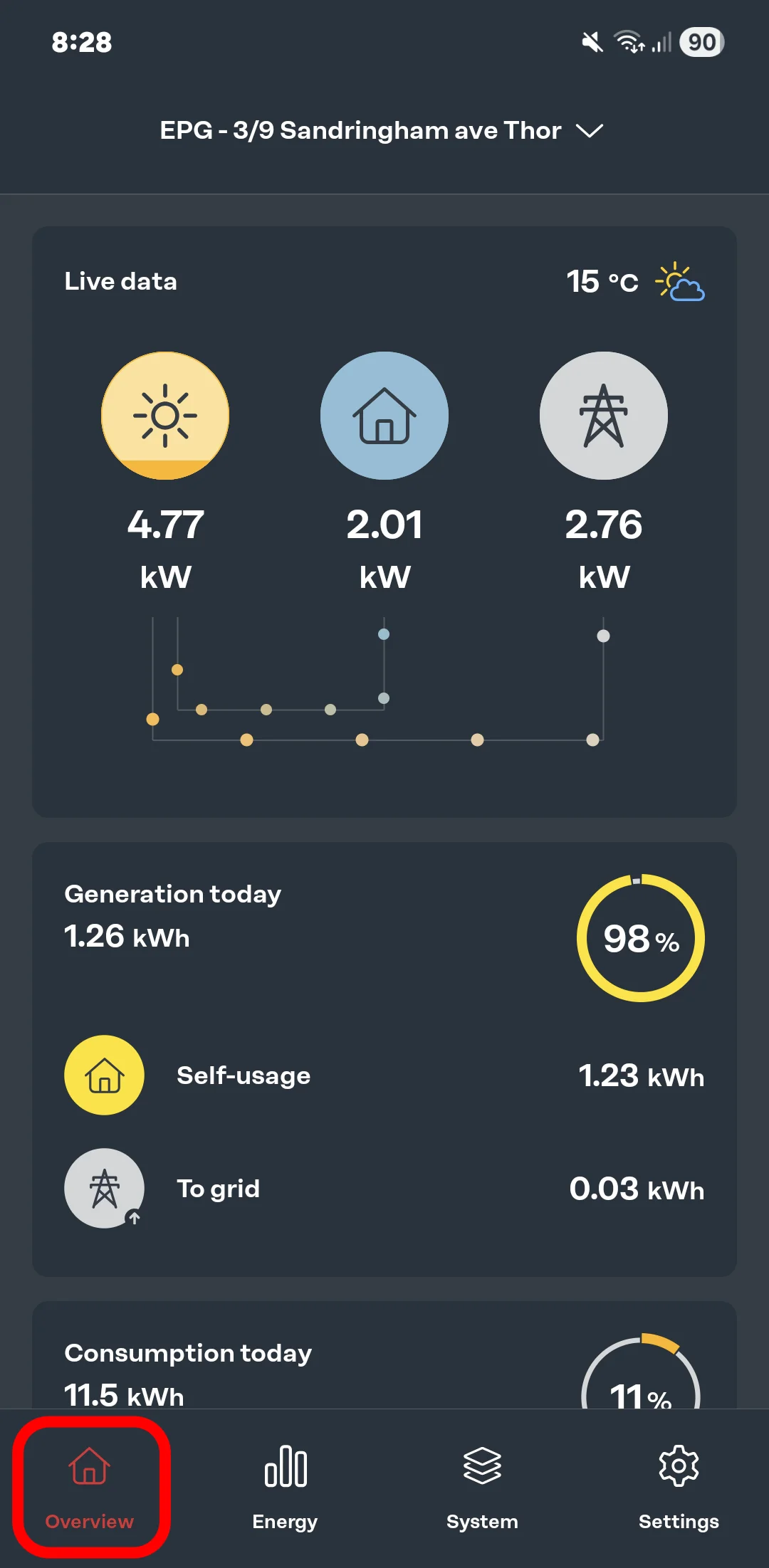
1. When first opening the Fronius solar app, you can quickly see your live system data including the live solar data and how much it's producing.
2. You can also see elements like home and grid consumption figures, as well as daily statistics to help you measure your overall system performance.
All the surface level information can be found on the overview for those looking for a quick summary.
3. Under the 'generation today' section, clicking it expands your solar's self usage data and where your solar has and is going.
4 & 5. When clicking the 'consumption today' section, you can also view your overall usage metrics and how much your solar has contributed.
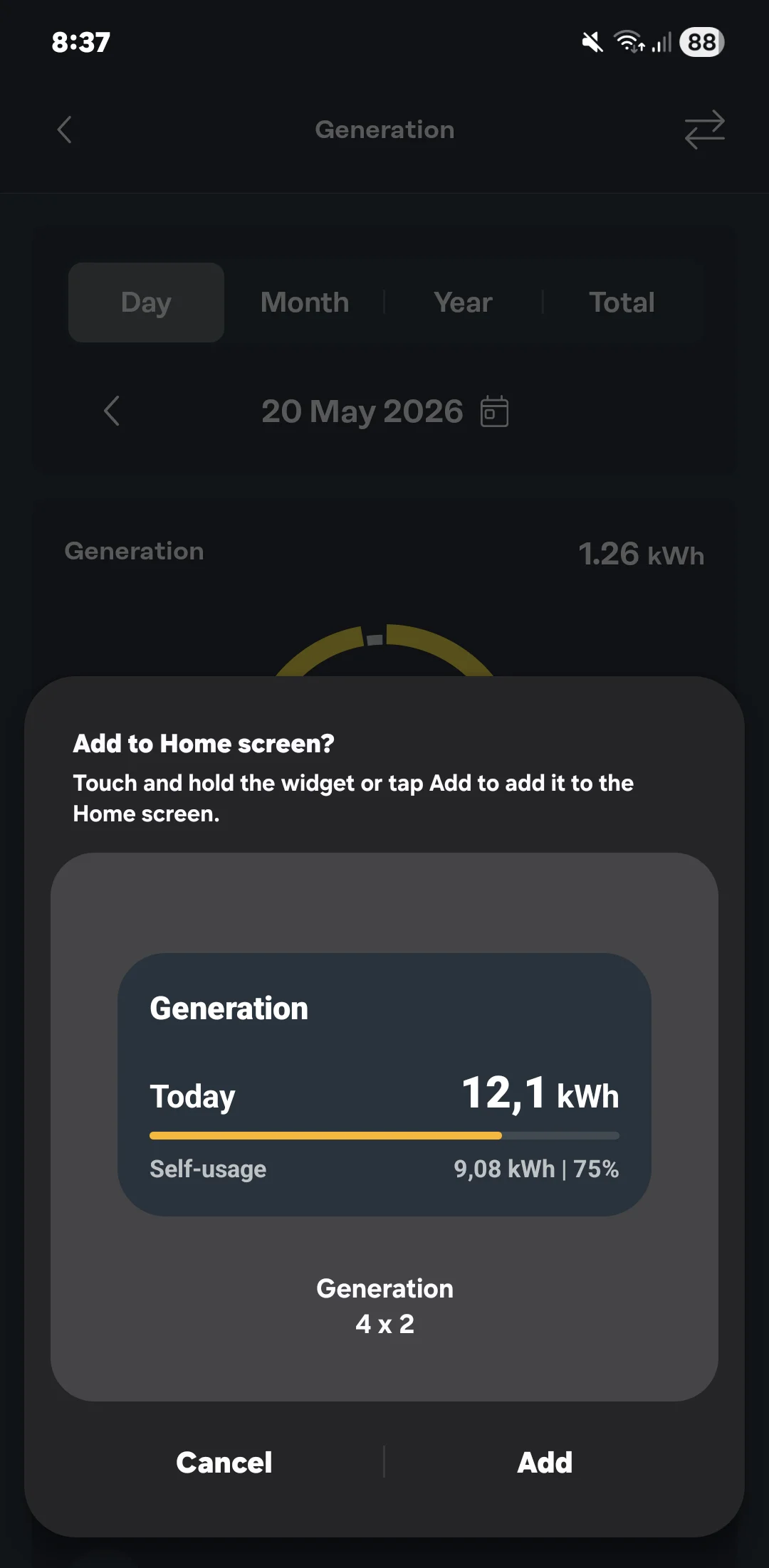
6. If you have an android phone, a widget suggestion may pop up where you can view your solar statistics from your home screen. This is very useful if you want a quick overview without having to open up the Fronius app.
.webp "Today's Fronius Solar.Web production data")
.webp "Fronius self-usage information")
.webp "Consumption data")
.webp "Solar consumption analytics")
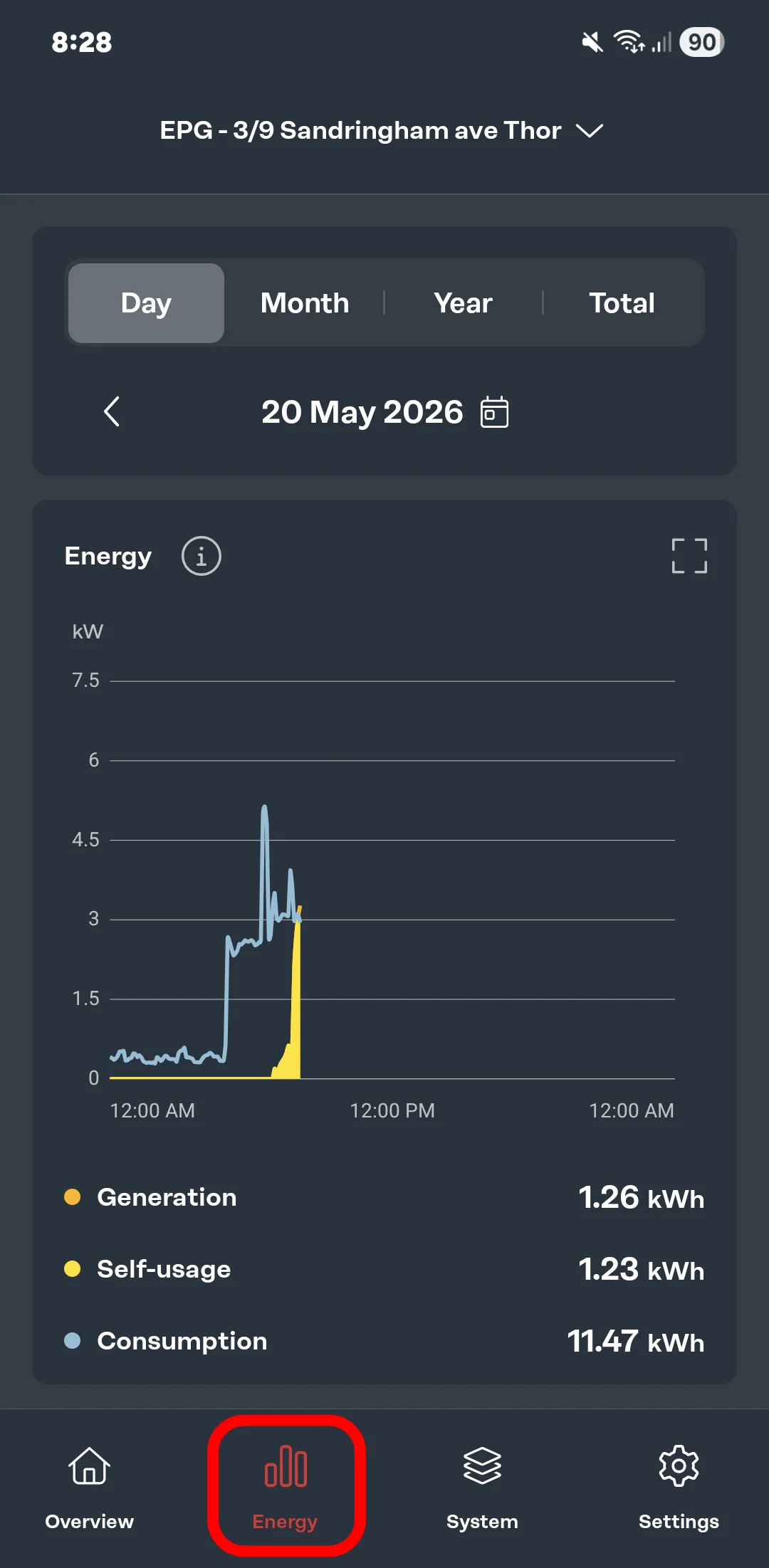
For those wanting more in-depth information about their systems' energy performance, the energy tab displays an easy graph where you can see daily to total analytics.
The images are from our system located at our headquarters, so these figures will mostly reduced for residential properties.
1. Under the graph, you can see the specific generation, self-usage, and consumption data to help you get the best idea of how your solar is generating and how you can maximise your energy.
This system is a solar-only system, however most of our usage is throughout the day. If you had a battery added to the mix, the large excess of solar power could be stored away for later use if we needed.
2. By clicking on the graph at various points, you can see a snapshot of how your system was performing at that time; with the example saying a little over 13kW of solar generation, completely powering the 1.52kW of energy demand.
3 & 4. You can also adjust your referenced periods at the top. Here you can see your system's lifetime performance which can show you up to yearly comparisons, which can be helpful in comparing your usage and production over time.
.webp "Daytime solar production")
.webp "Monthly solar generation statistics")
.webp "Solar lifetime generation")
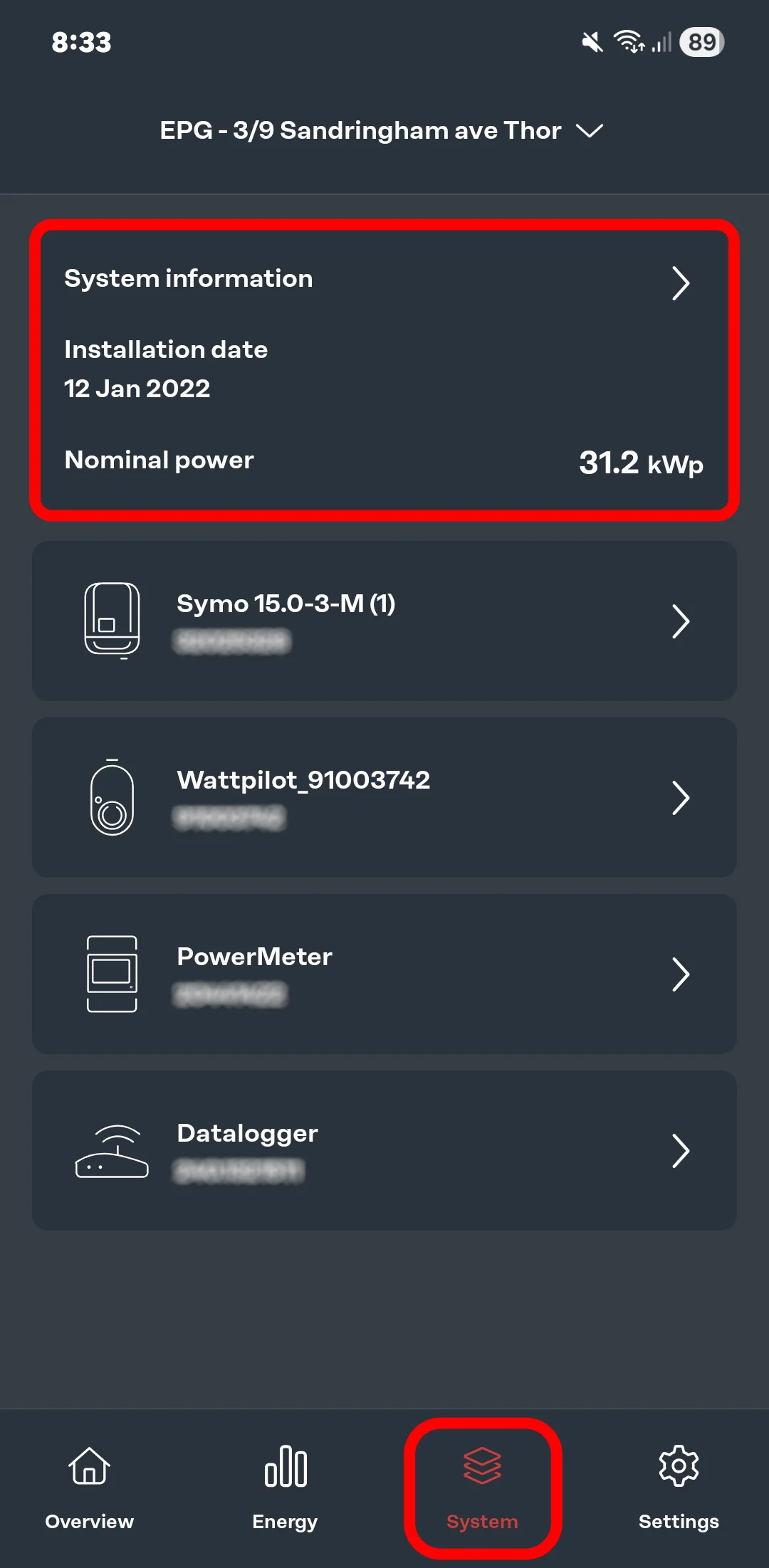
1. Under the system tab at the bottom, you can view your system information, as well as your system component information like serial numbers etc.
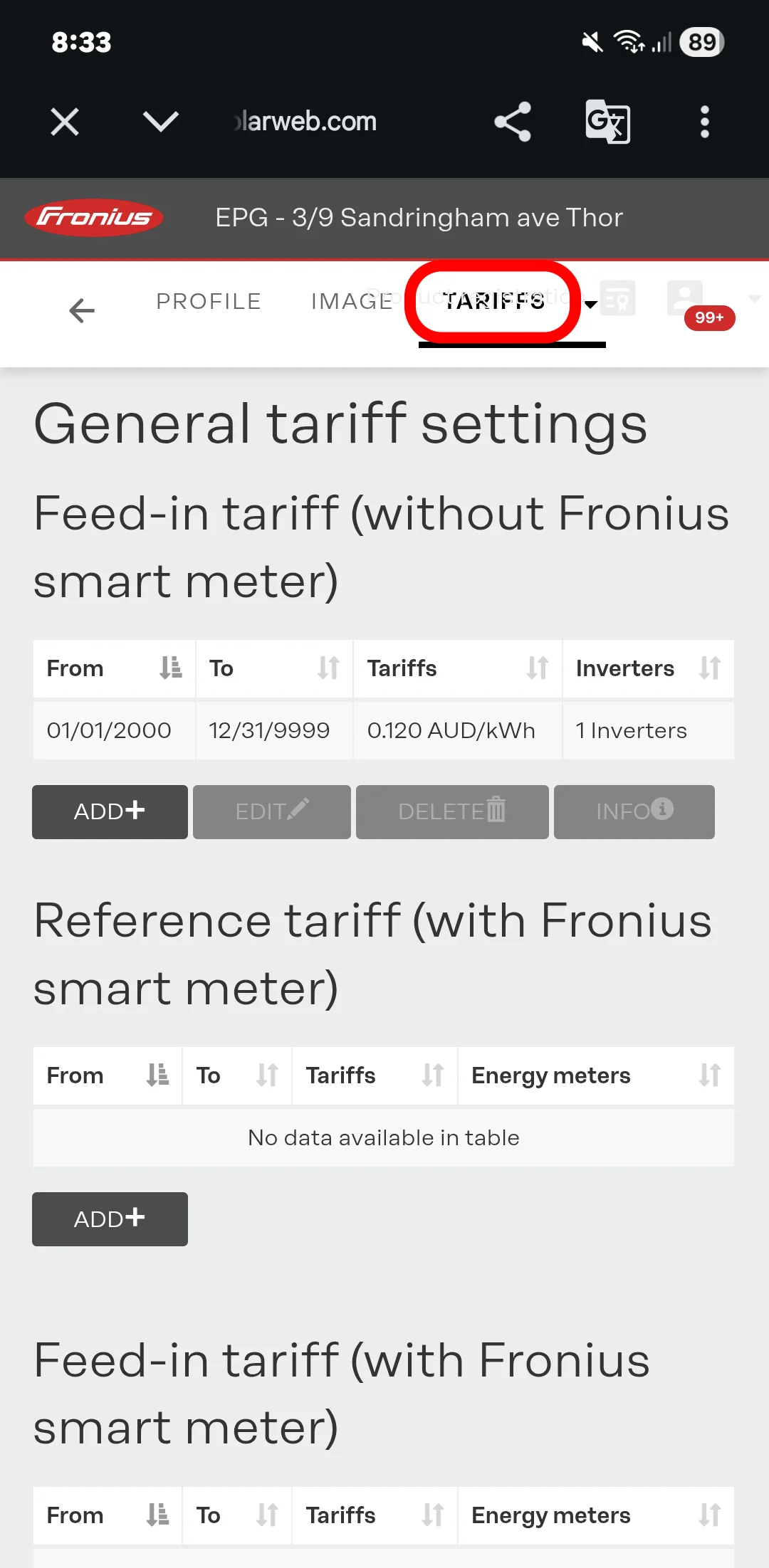
2. Inside system information, you can view your system's settings including tariff, product registration, warranty and system settings.
3. Clicking on the 'tariff settings' takes you to an online page where you can adjust your solar feed-in tariff settings, both with and without smart meters.
.webp "System information")
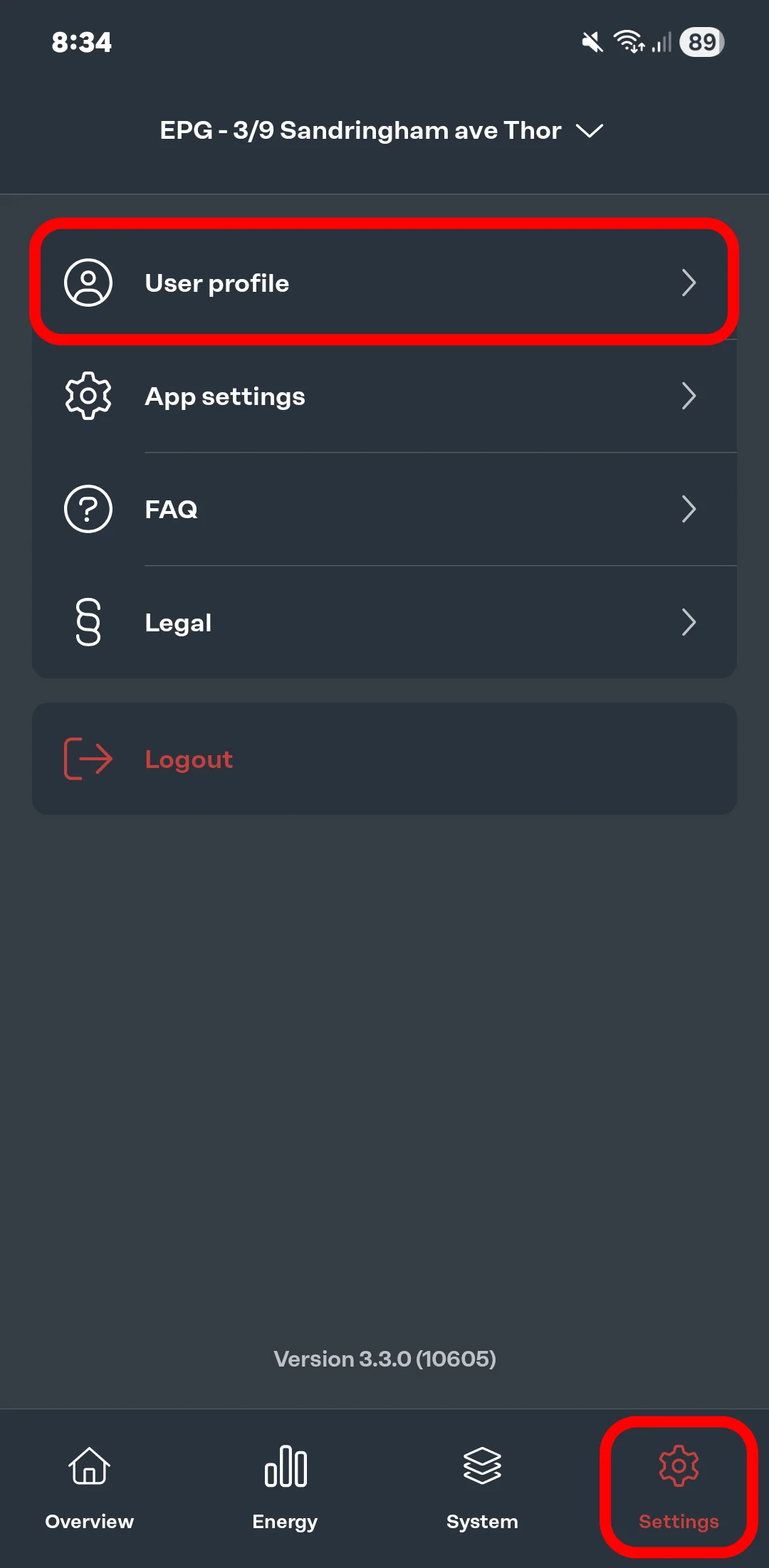
1. Like any other settings page, here you can adjust all your user profile and app settings.
2. Here you'll be able to view your user information, with the option of altering details or deleting your account.
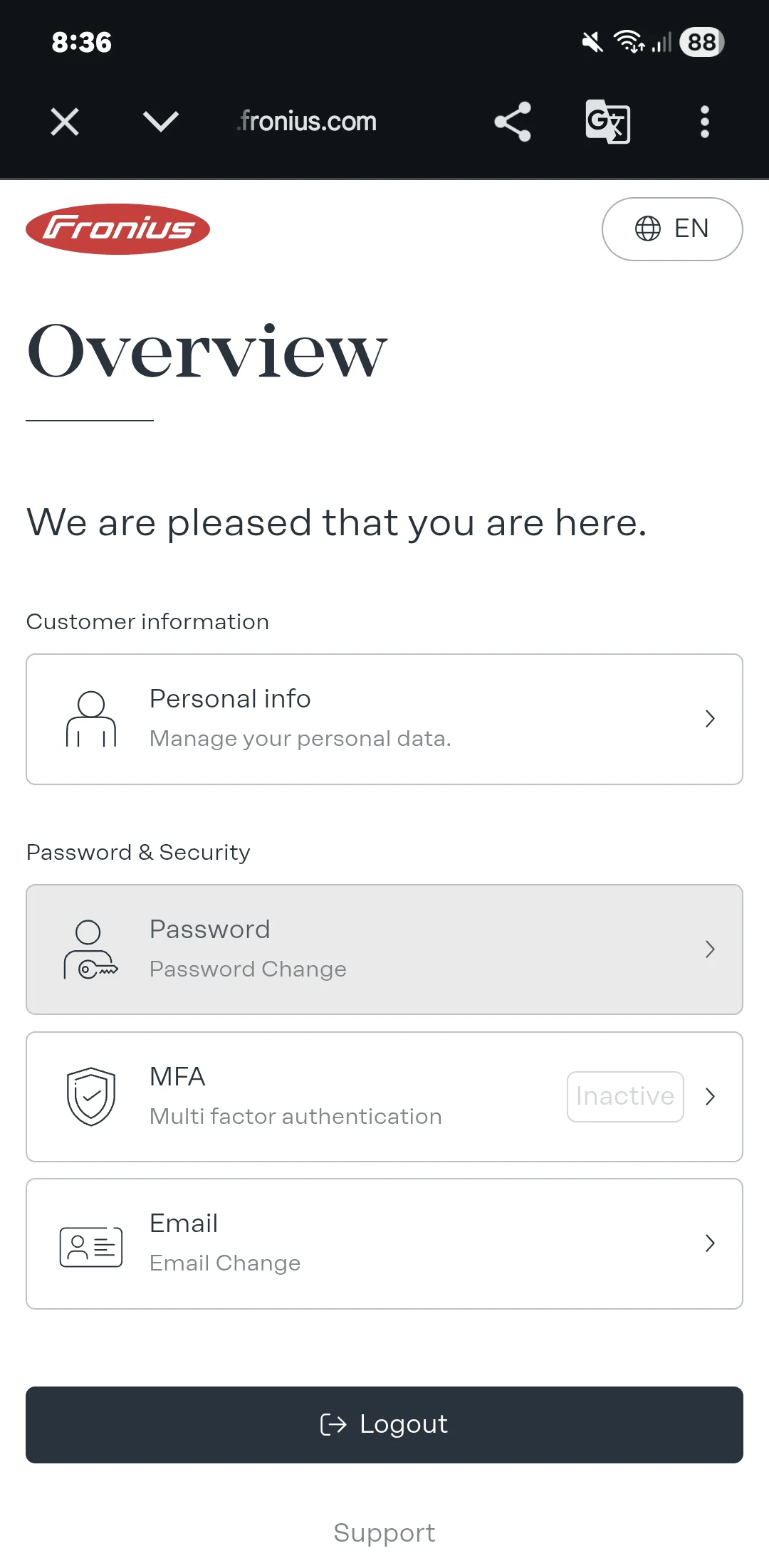
3. When selecting on 'change user data', you can adjust your personal info, password, and email, as well as turning on and off multi-factor authentication.
4, 5, & 6. You can also adjust app settings where you can change between light and dark modes, motion effects, units of measurement, and some other options.
.webp "User profile settings Fronius")
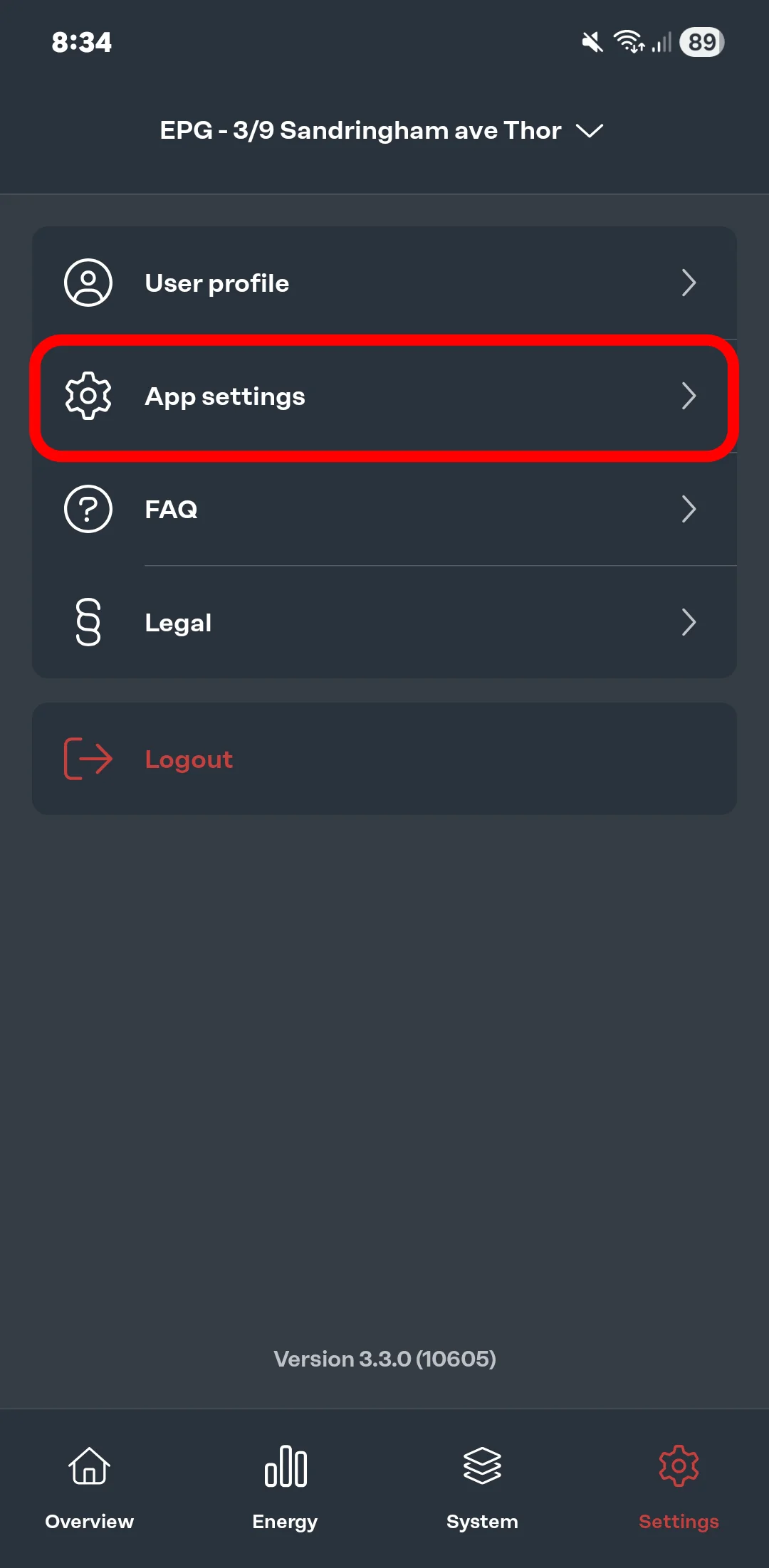
.webp "Fronius solar app settings")
.webp "Fronius solar.web app")
To find the most accurate feed-in credit you've earned, please refer to your electricity bill. The Fronius app takes into account both the estimated feed-in tariff data, but also the potential savings your solar system is enabling. Instead of using grid power, Fronius measures how much you're saving using your solar energy instead.
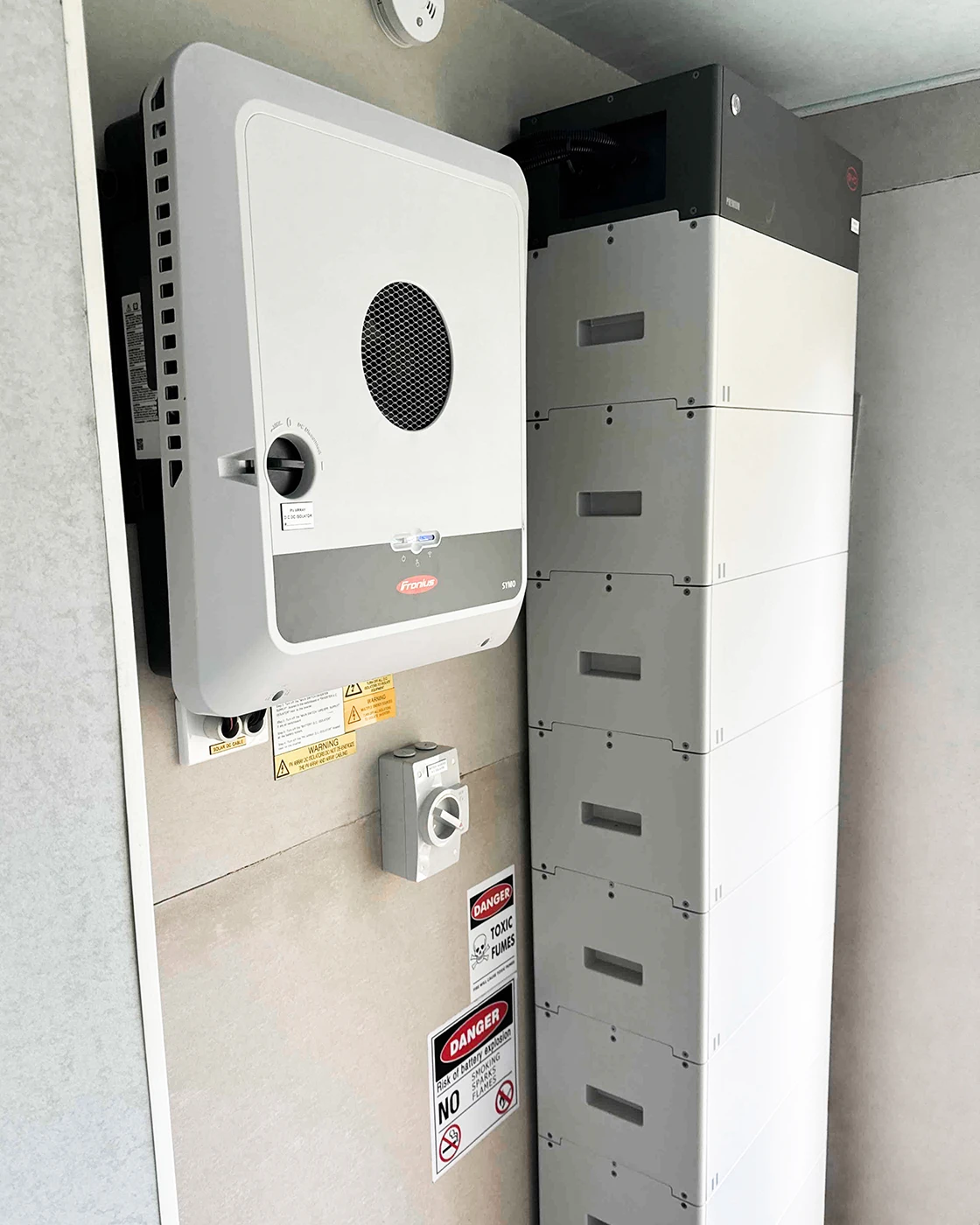
If you're experiencing issues with your Fronius system, visit our troubleshooting page for possible fixes and methods to resolve the
issue/s.
Leave a Comment